
Install
It's a zip: unzip it and run the game. The first time, your computer will want to check it's OK.
Mac
- Unzip, and drag Worldwide into Applications if you like.
- Open it. If macOS says it can't check the app, open System Settings → Privacy & Security, scroll down and click Open Anyway. You only do this once.
Windows
- Right-click the zip, Extract All, then open the folder and run Worldwide.exe.
- If Windows shows "Windows protected your PC", click More info → Run anyway. You only do this once.
Play together
Online play works from anywhere, no setup needed. One person hosts; everyone else joins with a code.
Host
Choose Host online. Pick the map, add computer players if you want more, and set teams.
Share the code
The room shows a six-letter code. Send it to everyone playing.
Join
Everyone else chooses Join online and types the code, or picks the game from the list.
Start
When everyone's in the room, the host presses Start. If someone drops out, the computer plays on for them.
What's in it
Two factions, five maps, teams of any shape, and a computer opponent at three levels.
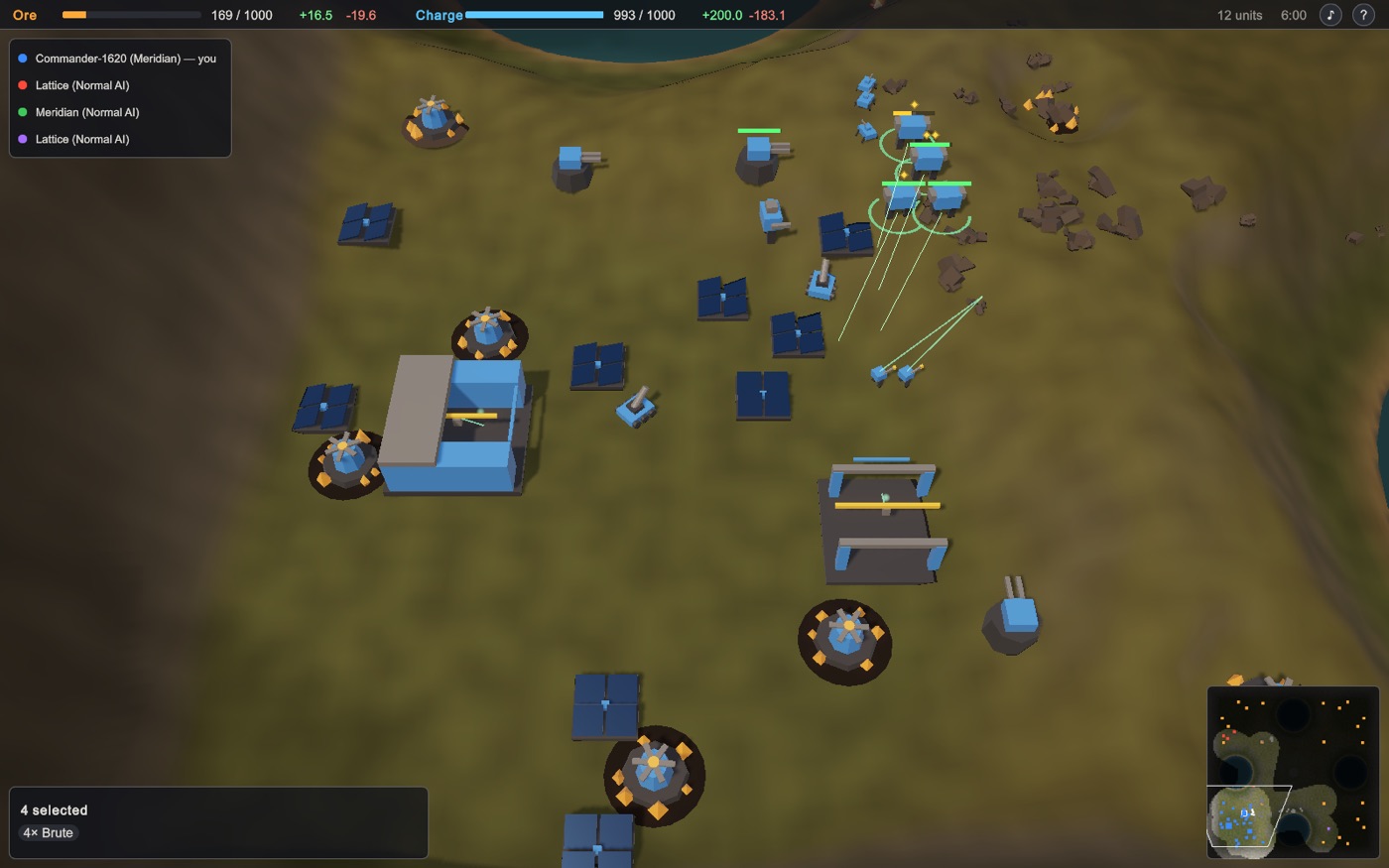
Two to six players
Everyone for themselves, two against two, people against computers: any mix of teams. Teammates share what they see and can't hurt each other. Lose your commander and you're out; the last team standing wins.
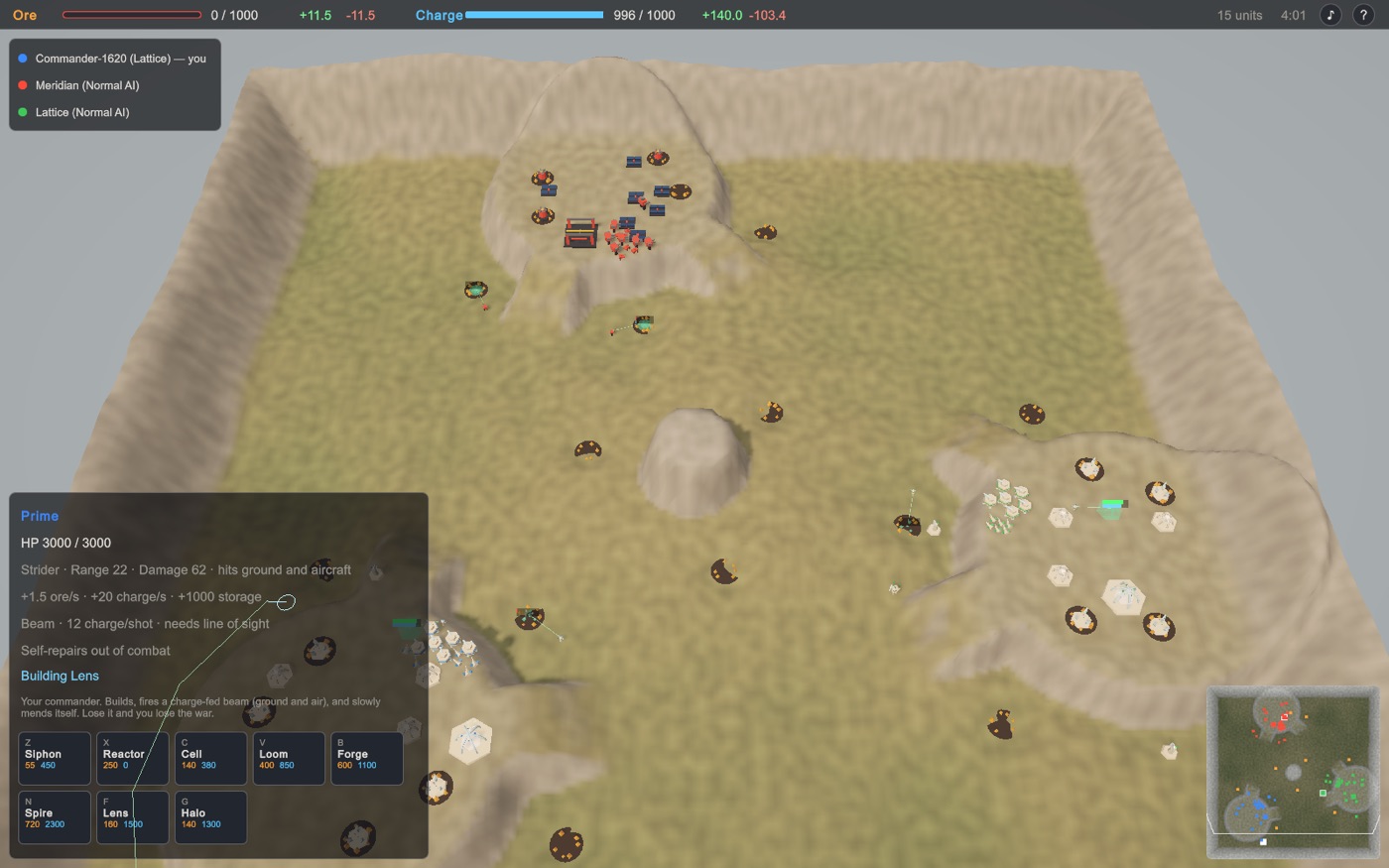
Five maps
Mesa Fields, The Rift, Twin Lakes, Highlands and Open Steppe, each reshaped by every game's seed and laid out fairly for however many play. Hovercraft cross the lakes; walkers climb the hills.
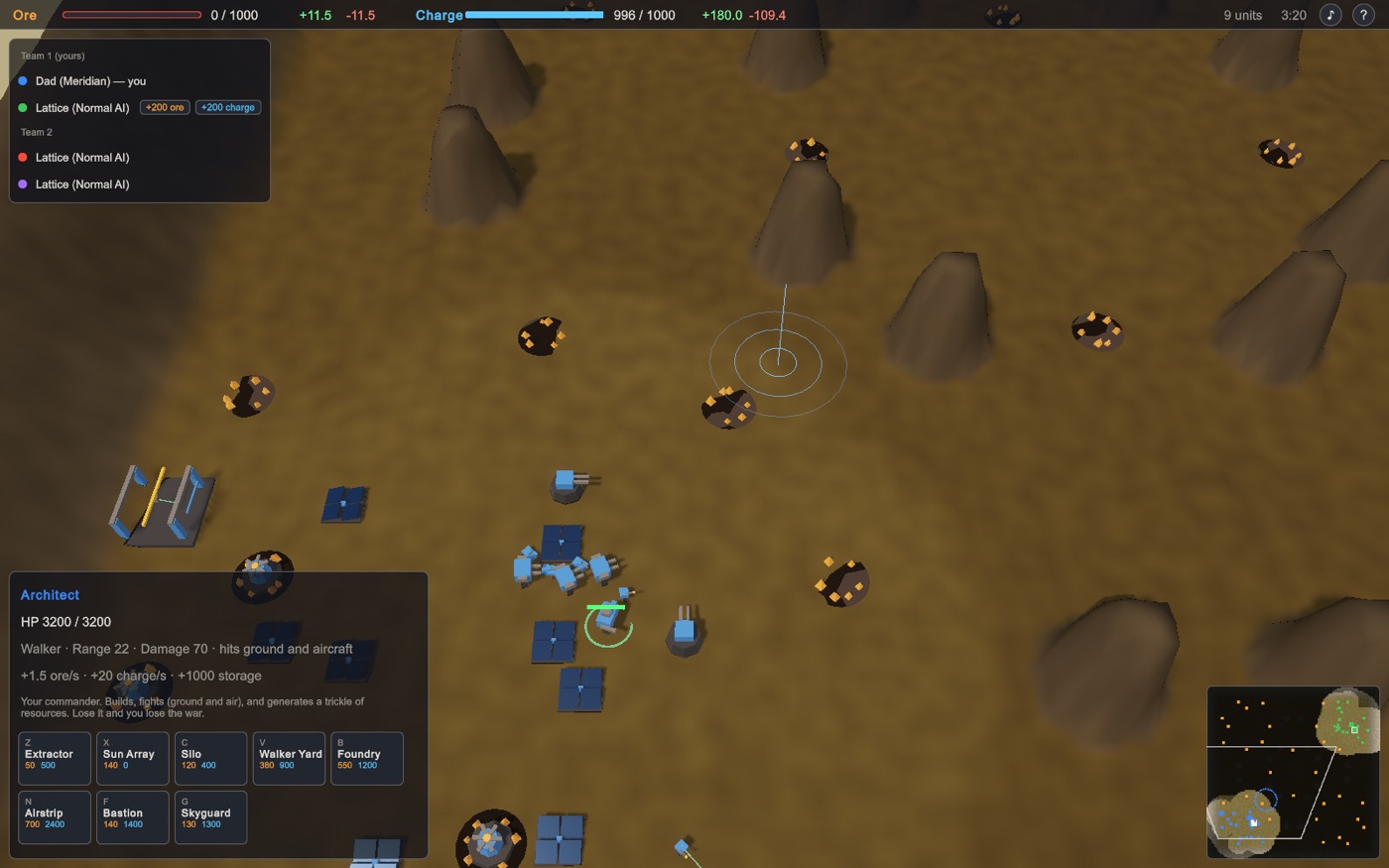
Play as a team
Send a teammate ore or charge from the player list. Alt+click the map to mark a spot for your team. Factories can repeat their queue, so your army keeps coming.
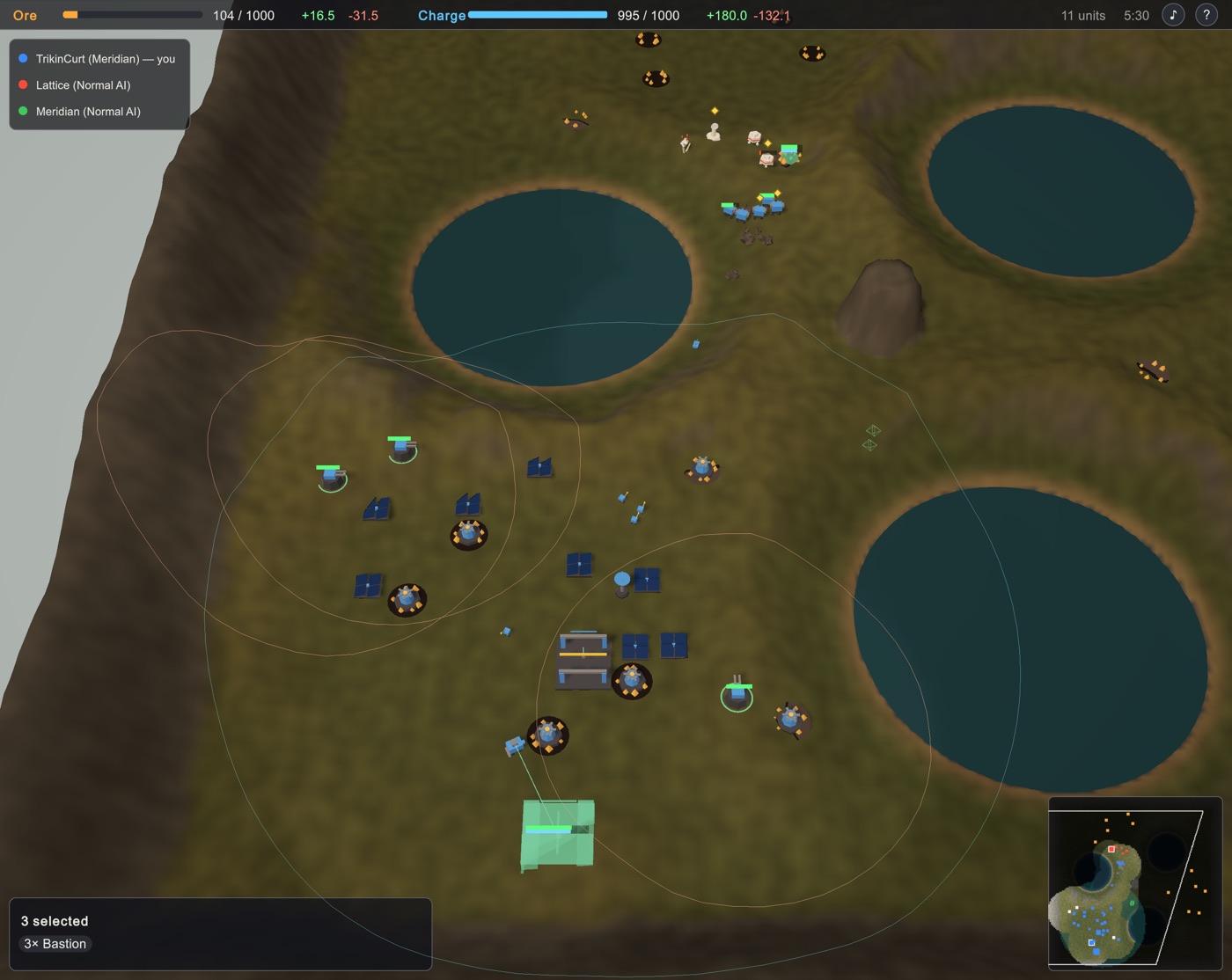
Radar and ranges
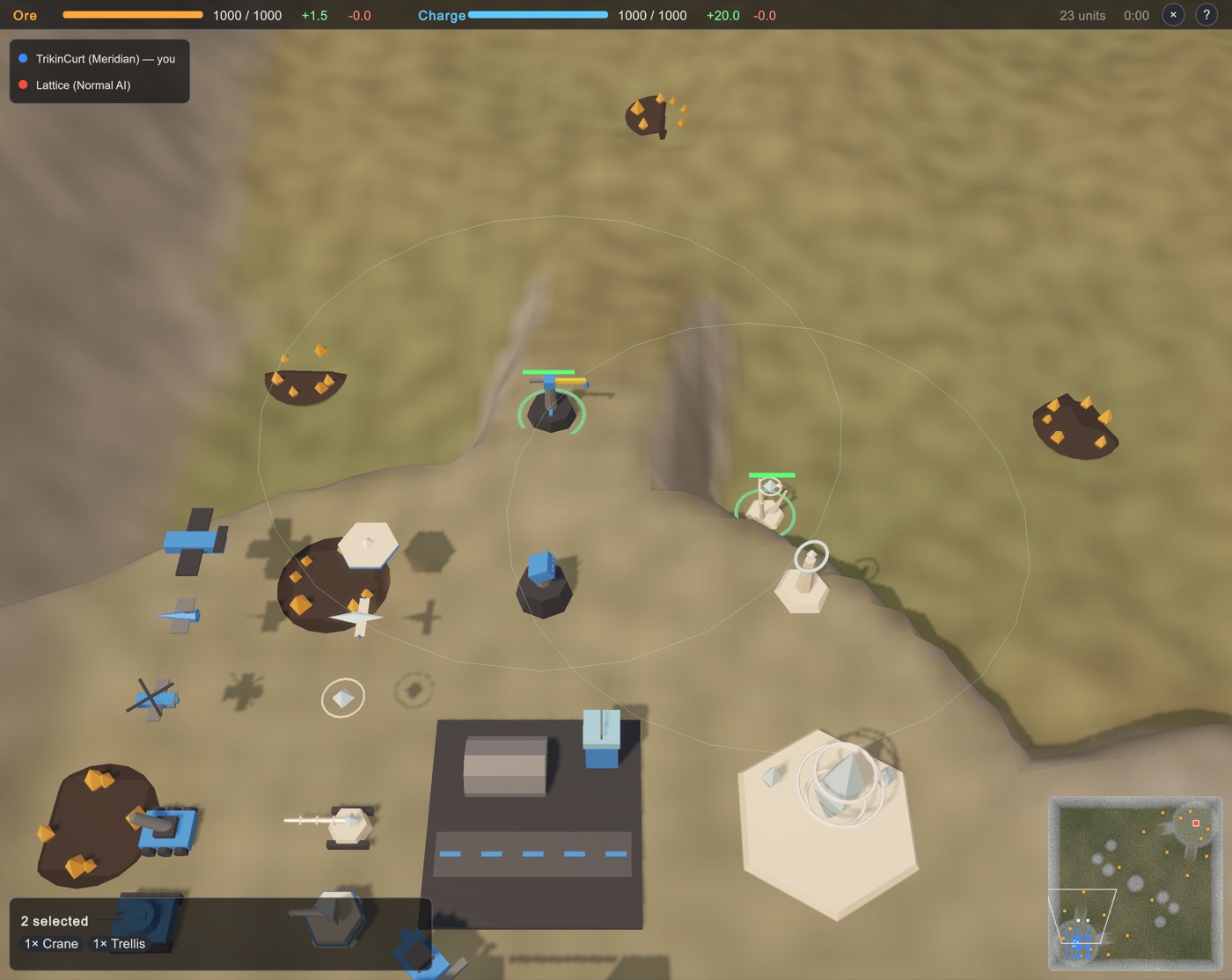
Radar towers show enemies out of sight as blips, and artillery can shell them. Your radar's reach is always on the map; select anything to see how far it shoots.
Nano towers, veterans, replays
Nano towers build, speed up factories and repair everything nearby. Units that survive fights rank up. Every game is recorded: watch it again from anyone's side.
Controls
Press ? in a game for this list.